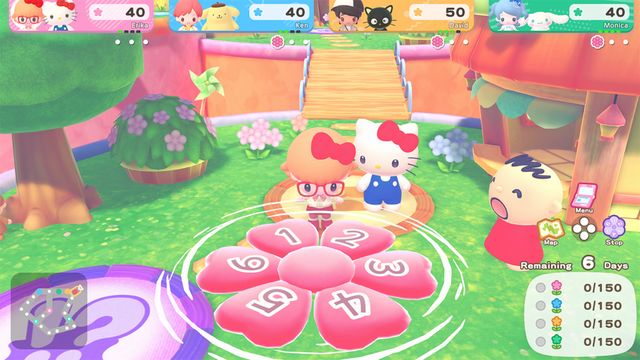
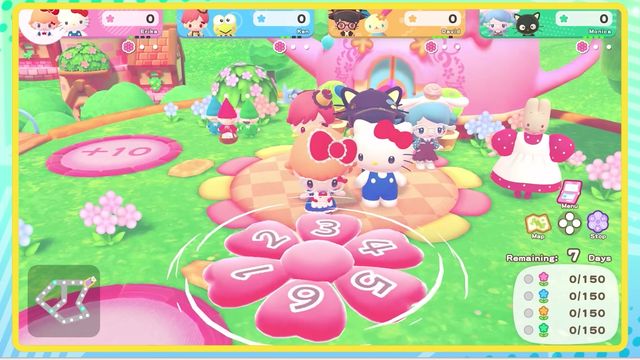
Sticker Book and Character T-Shirt
Stickers come from talking to characters and playing mini-games. The sticker book opens with the left button and shows each name; the Character T-Shirt is the only garment that can hold a sticker, via the early purchase code.
Stickers are the collection layer of Hello Kitty Party Land, and the sticker book is the closest thing the game has to a completion screen. It also feeds the one piece of clothing you can customise yourself.
Where stickers come from
Two sources, both passive:
- Talking to characters. Speak to a character and you collect their sticker.
- Playing mini-games. Clear a game and the character attached to it contributes a sticker.
There is no shop for stickers and no way to buy a missing one — the only lever is playing more.
The sticker book
Open it with the left button on the default horizontal Joy-Con layout (Y on a Pro Controller or two Joy-Cons). Moving the cursor over a sticker shows its name, which is how you check who you are missing rather than guessing from the picture.
| Control | What it does |
|---|---|
| Left button | Open the sticker book |
| Cursor over a sticker | Show its name |
| SL / SR, or confirm on an empty space | Turn the page |
| Left button on a selected sticker | Paste it onto the Character T-Shirt |
The book is paged, so a sticker you think is missing may simply be on another page.
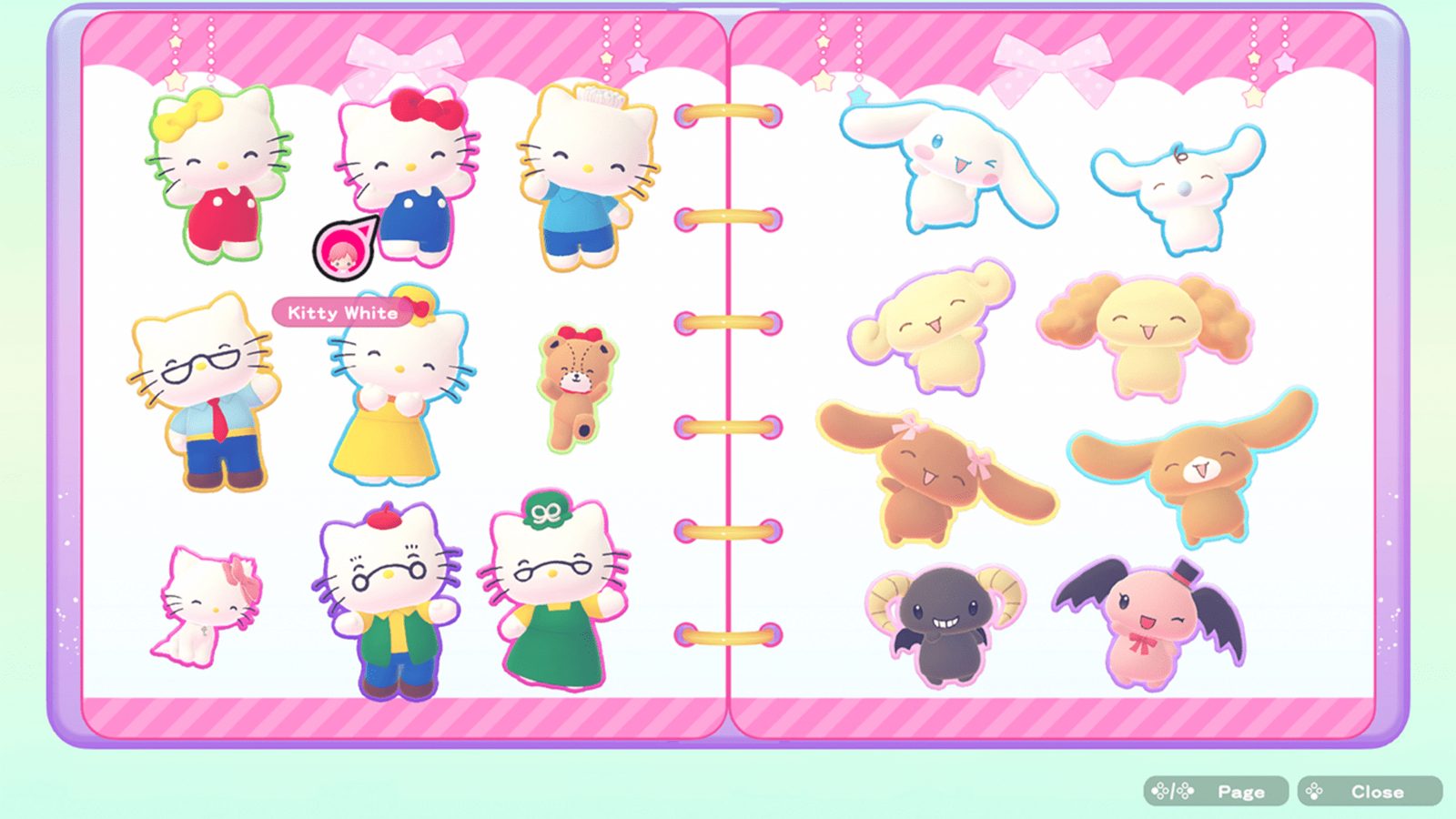
The special sticker
Clearing a mini-game at every difficulty level can earn a special sticker. The marker to look for is the blue present icon. Those games are the completion targets: pick one, clear it at the crown level it currently sits at, and keep clearing as the crown level climbs.
That is the only sticker in the game with a condition attached that is more interesting than "play the game", so it is worth knowing before you spend an evening on the wrong mini-game.
The Character T-Shirt
The T-shirt is the early purchase bonus, and it is the only garment stickers can go on.
| Step | Action |
|---|---|
| 1 | Make sure you have the Character T-Shirt top (early purchase bonus, redeemed with an eShop download code) |
| 2 | Open the sticker book |
| 3 | Move the cursor over the sticker you want |
| 4 | Press the left button to paste it onto the shirt |
| 5 | Wear the shirt from the Clothing menu |
The download code goes into the Nintendo eShop. Without the T-shirt, the sticker book still fills up; you simply have nothing to paste onto.
Why the T-shirt matters beyond looks
The T-shirt is the only item in the game that carries a record of your collection on your character. In a four-player session it is the fastest way for someone else to see what you have: a shirt covered in rare stickers says more than a menu.
What the sticker book is not
It is not a shop, it does not spend coins, and it does not gate progression. Nothing on the boards requires a sticker count. Treat it as the collection track it is, and the pressure disappears.
If you want the character side — who the stickers belong to and how many there are — read characters and partners. If you want the clothing side beyond the T-shirt, the eight saved sets and the uniforms rule are on coins and shopping.