Partner Friendship and Special Clothing
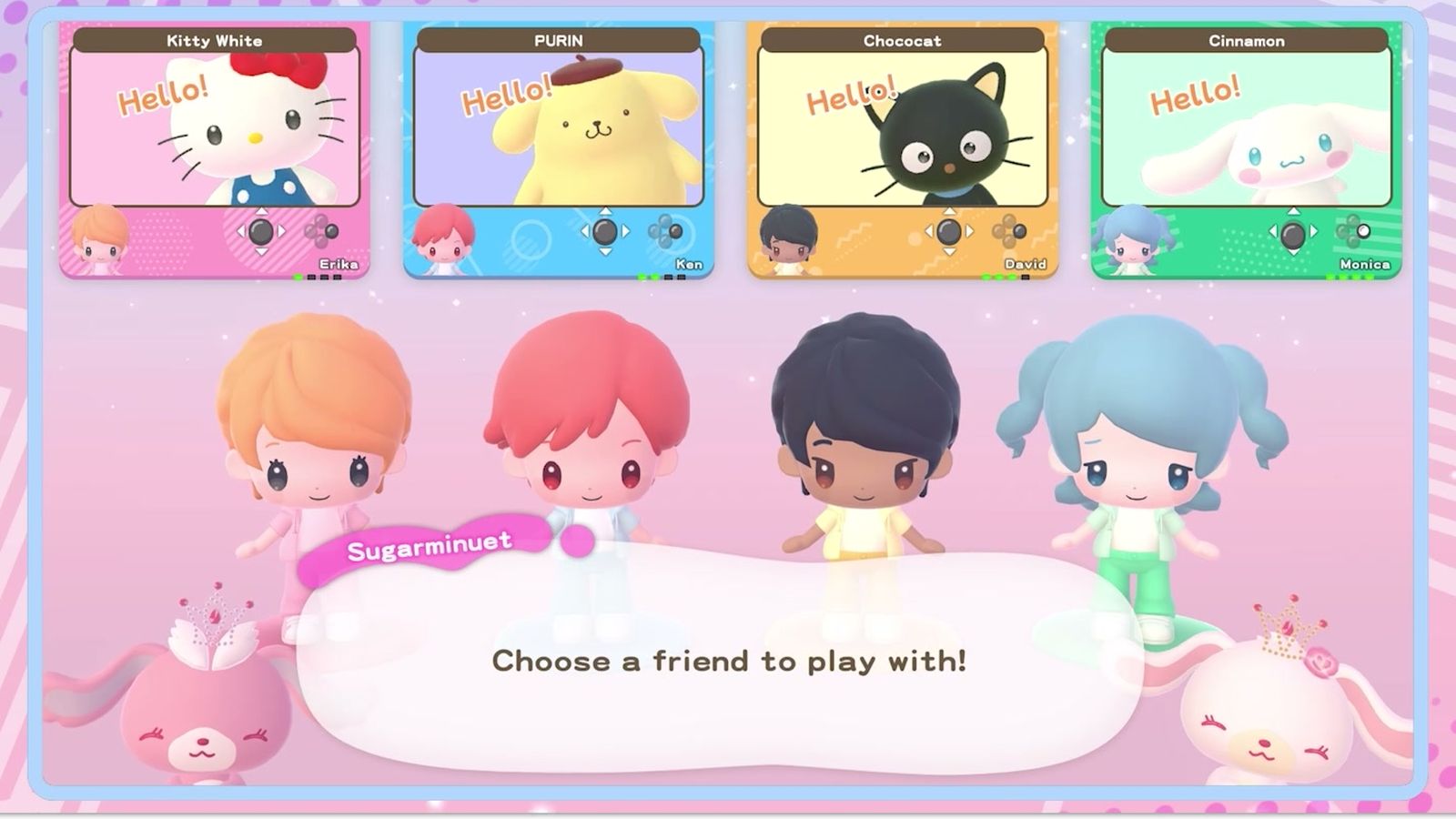
Friendship rises a little each time you play or chat with your partner. High enough friendship delivers special clothing, equipped from the Partner menu and found at the cave. Partners swap at the Photo Studio's Partner Room.
The partner is the quietest system in Hello Kitty Party Land and the one that pays the most over time. Pick one, keep playing with them, and clothing you cannot buy appears in your wardrobe.
How the friendship bar works
Every partner carries ★ icons showing their friendship level. It rises a little each time you play with them or chat with them. Nothing else feeds it: not coins, not difficulty, not clearing boards.
| Action | Effect on friendship |
|---|---|
| Playing a mini-game with them as your partner | Small increase |
| Chatting with them | Small increase |
| Playing a board run with them | Repeated small increases across the run |
| Buying them anything | Nothing — there is no gift system |
Because the gains are small and repeated, friendship rewards the partner you actually use. Switching every session spreads the bar across sixteen characters and unlocks nothing.
What high friendship unlocks
Two things, and both are easy to miss.
Special clothing. When friendship is high enough you receive a special clothing set. The manual is explicit that this is where the outfits come from: they are not shop stock and they are not board rewards.
Where to equip it. Open the Game Pad with the top button, go to the Partner Menu, and the equipped/available special clothing sits there. The clothing menu handles ordinary outfits; the partner menu handles the special sets tied to a character.
If you received a set and cannot find it in the normal wardrobe, that is the reason.
The cave
Special clothing is found at the cave. That is the manual's phrasing, and it matters practically: if you are hunting a set you have been told about, the cave is the location to check rather than the shops.
The cave turns up while you are exploring Hometown — it is one of the things that opens up rather than something you buy access to.
Changing partners
Two places:
- Before a game: partner selection is one of the four setup screens, right after dress-up.
- During a game: the Partner Room in the Photo Studio swaps your partner without restarting.
Swapping does not reset friendship; the bars belong to the characters, not to the run. So there is no penalty for swapping to a character you have been neglecting.
The Special Sets menu
Special sets are accessed from the Partner menu: open the Game Pad, go to the Partner menu, navigate to Friends, and select the set. That is a different path from the ordinary Favorites menu, which stores up to eight of your own outfits.
| Menu | Holds | How to reach it |
|---|---|---|
| Clothing | Ordinary outfits and colours | Game Pad → Clothing |
| Favorites | Up to 8 saved outfit sets | Game Pad → Favorites |
| Partner → Friends | Special clothing tied to a character | Game Pad → Partner menu → Friends |
Practical plan
- Choose one partner and stay. Friendship is per character and grows slowly; the fastest route to special clothing is one long relationship, not sixteen short ones.
- Chat when you pass them. It is free and it is one of only two inputs.
- Check the Partner menu after every board run. Special clothing arrives quietly, and the Partner menu is the only place it shows.
- Use the Partner Room when you want a change. The Photo Studio is in Hometown, so a swap costs a walk, not a run.
The characters themselves are on characters and partners; the wardrobe side, including the eight-set limit, is on coins and shopping.