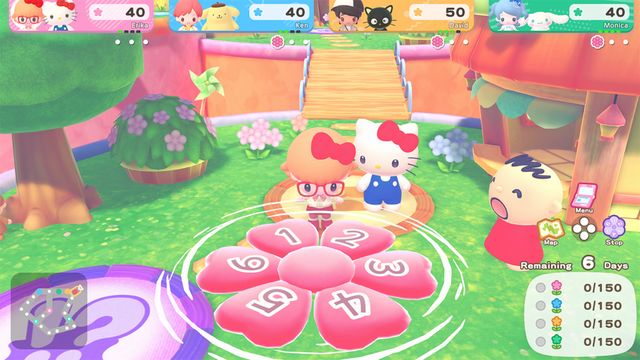
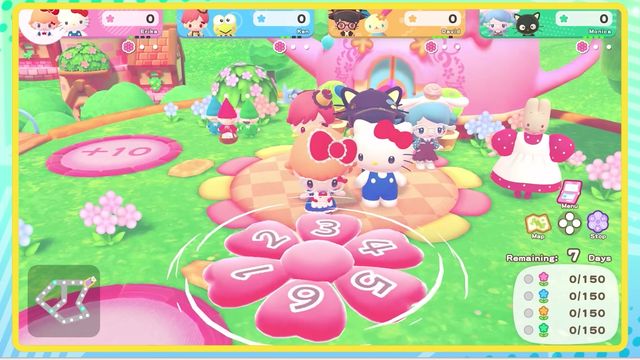
Online Multiplayer and Host Controls
Online play is 2-4 players, friends only, and needs a paid Nintendo Switch Online membership. The host creates a room and can set a four-digit password, and the host also controls menus, cameras, buildings and pausing.
Online play in Hello Kitty Party Land is friend-only, password-friendly, and hosted by one player. There is no random matchmaking, and the host controls more of the session than in most party games.
The rules, before you plan a session
| Question | Answer |
|---|---|
| How many players online? | 2–4 |
| With strangers? | No — only users registered as Friends |
| Subscription needed? | Yes, a paid Nintendo Switch Online membership |
| Who hosts? | The player who creates the room |
| Can the room be locked? | Yes, with a four-digit password of the host's choice |
The friend-only rule is the one that shapes everything else: you cannot fill a room with strangers, so an online night is a scheduled thing, not a drop-in one.
Creating a room
- Choose Online from the main menu.
- Create Room. You pick the room settings, then wait.
- Share the password if you set one. The password is a four-digit number you choose, and it is the only thing standing between your room and the friends list.
- Start when everyone is in. The host starts the game once all players have joined.
Joining a room
Players other than the host select Search for Room, pick the room from the list, and wait for the game to start. If the host set a password, only players who know it can join.
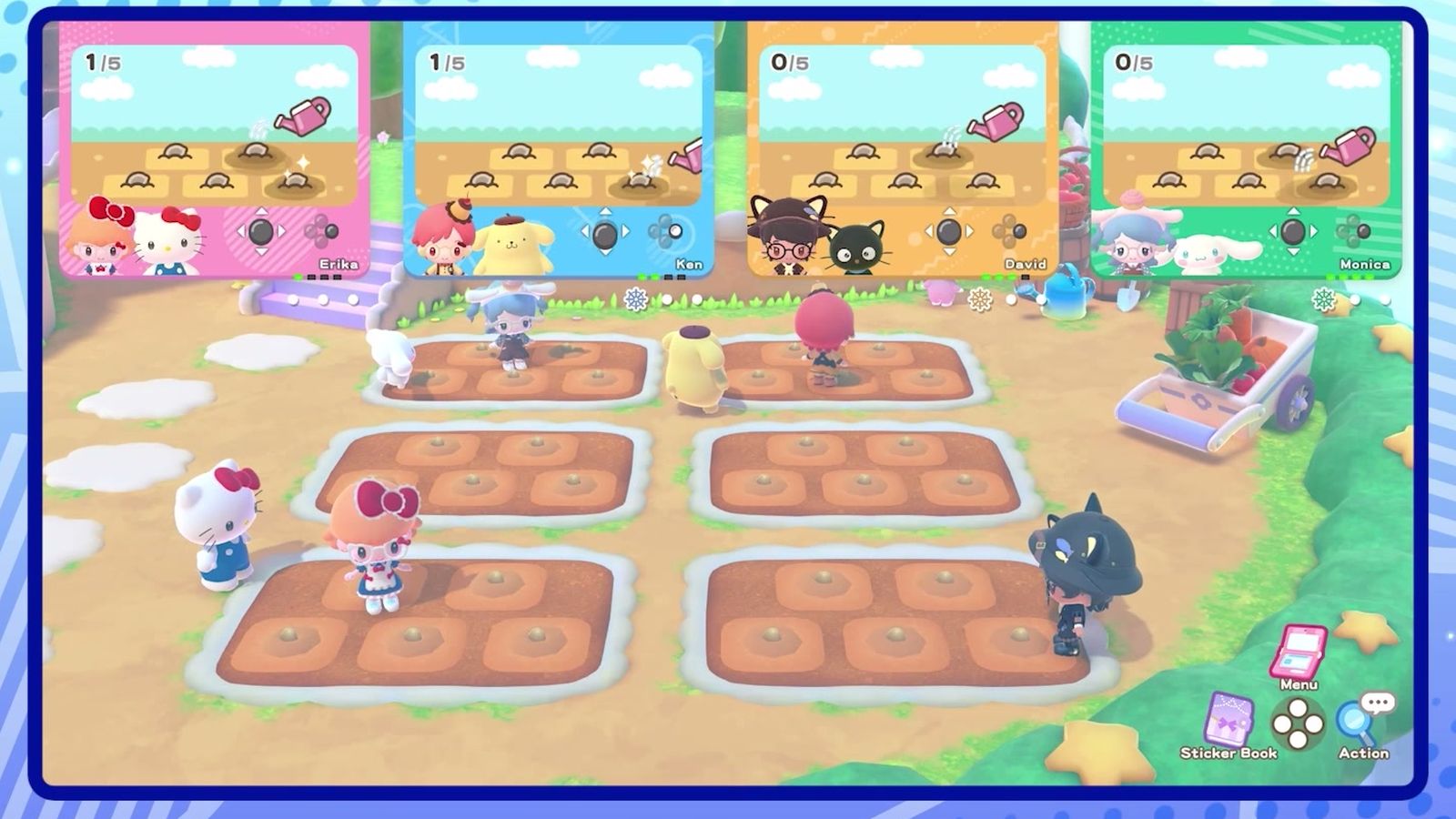
What the host controls
The host is not just the person who pressed create. During play the host is in charge of:
- menu selections
- camera usage
- opening the sticker book
- entering and exiting buildings
- starting the board game, mini-games, Melody Cake, Poster Studio and the other modes
- pausing the game
- adding other players to the game
That list is worth reading before you volunteer: an online session is not democratic, and a host who wanders off stalls everyone.
Offline versus online hosting
| Offline (same console) | Online | |
|---|---|---|
| Host | Controller 1 | The player who created the room |
| Players | 2–4 (or 1 solo) | 2–4 |
| Join method | Select a user profile or join as a guest | Search for Room, with a password if set |
| Names | Taken from the user profile | Taken from the user profile |
In both cases each player's name comes from their user profile, so the room reads as the profiles, not as the characters.
Etiquette the game asks for
The manual includes a short list of house rules for online play, and they are worth repeating because they are the game's own:
- Treat other players with respect; no unsportsmanlike or illegal conduct.
- Check with your internet provider first — some connections add restrictions or fees.
- On wireless, keep the console away from interference (microwave ovens are the manual's example).
- Do not disconnect mid-game.
- Make sure you have enough time to finish before you start.
Planning an online night that works
- Agree the host before anyone opens the menu. The host controls the mode; if the host wants to play mini-games and everyone else wants a board, the session stalls.
- Use a password on public-ish friend lists. Four digits is not security, it is a door.
- Check the subscription status first. The one thing that cannot be fixed mid-session is a lapsed membership.
- Plan for a full board. A board run is measured in days, and a day ends when every player has taken a turn; four remote players take longer than four on a couch.
The same-console version of this is on local multiplayer; the board structure both share is on board game tips.