Cameras and the Photo Studio
Tripod, selfie stick and drone each behave differently. The countdown is when you can move, pose, jump and emote, and the drone doubles as the hide-and-seek tool. Photos save to the console and the studio adds backdrops.
Hello Kitty Party Land has three cameras, and they behave nothing alike. All three save to the console's storage, and all three feed the Photo Studio, which is where photos stop being snapshots and become backdrops.
The three cameras
| Camera | Best for | Controls that change |
|---|---|---|
| Tripod Camera | Group shots of your own character | Zoom with SL / SR, start the countdown with confirm |
| Selfie Stick | Close self-portraits | Zoom with SL / SR, angle with the stick |
| Drone Camera | Wide shots and finding things | Move with the stick, switch modes with the top button |
SL changes camera, SR uses the camera. That is the default horizontal Joy-Con mapping; on a Pro Controller it is L and R.
Shooting a photo
- Pick the camera with SL.
- Frame with the stick, zoom with SL / SR.
- Optionally press the left button to choose a focus target — the camera locks onto a character or object.
- Press confirm to start the countdown.
- During the countdown you can still move, look into the camera (top button), jump (bottom button) and emote (left button). Everything in position when the timer hits zero is the photo.
That countdown window is the whole skill of the mode: it is the only time you can pose, so a tripod shot of four players is a four-person timing exercise.
Drone modes
The drone is the useful camera outside of photos. Press the top button to switch modes:
| Mode | Stick behaviour |
|---|---|
| Orbit | The camera rotates around the focus |
| Free | The stick moves the camera freely |
Orbit is for framing a subject; free is for looking around. The drone is also the tool for hide-and-seek requests — when a character asks you to find someone, this is the camera that finds them, and the reward is Waterwheel Tickets.
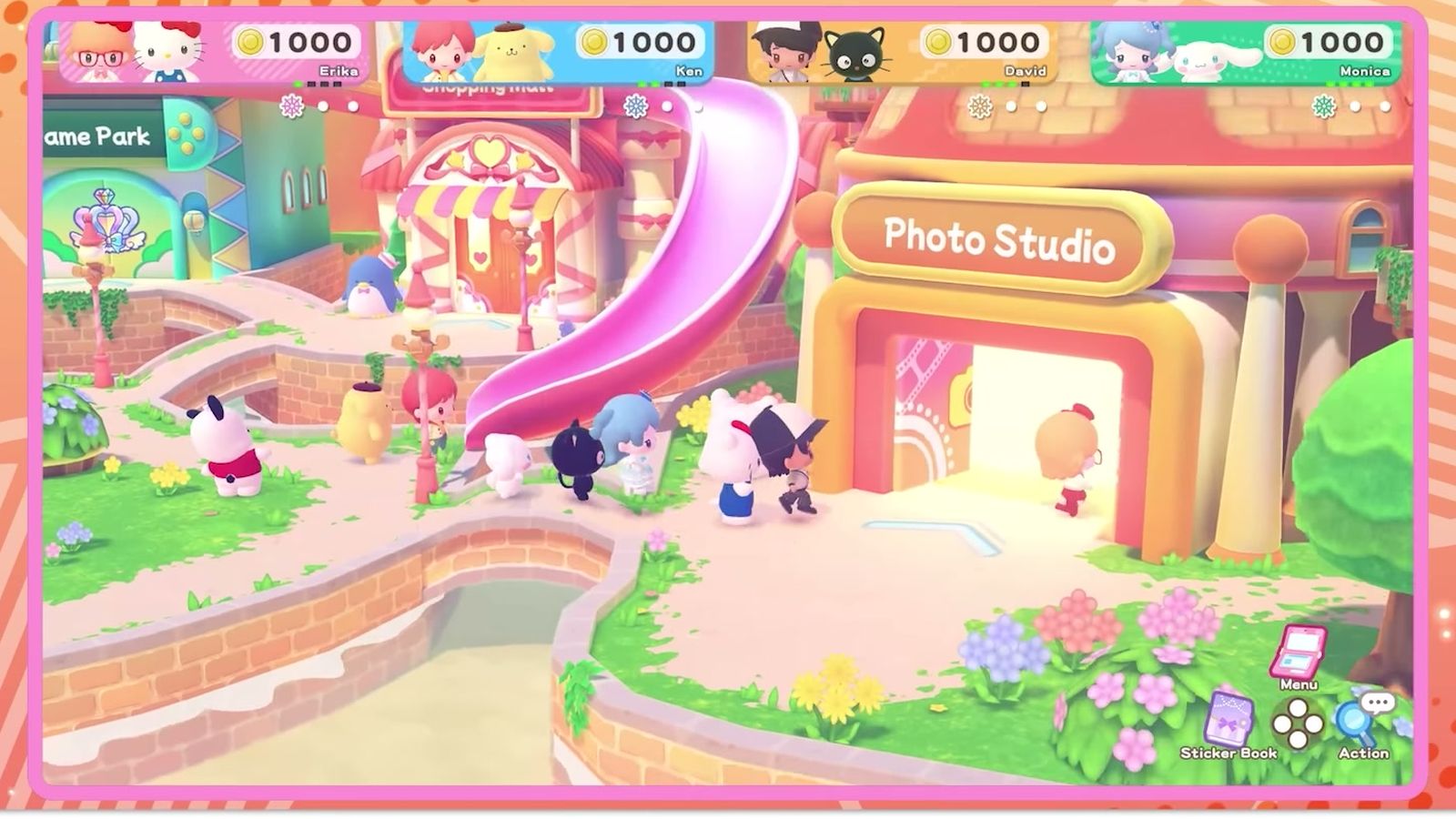
Photos land in the Photo Studio
Photos are saved to system storage, so nothing is trapped in the game. The Photo Studio adds two things:
- Backdrops. A commemorative photo can use any mini-game you have played as a backdrop. Play more mini-games, unlock more backdrops.
- The Partner Room. Change your partner without restarting the run.
So the loop is: play mini-games to unlock backdrops, then take the group photo in the studio with the background you earned.
Practical notes
- Use the tripod for group shots and the selfie stick for solo. The drone is for scenery and searching, not for portraits.
- Set the focus target before the countdown. Changing it mid-countdown wastes the shot.
- The drone is a search tool first. If a hide-and-seek request is open, the camera pays for itself in tickets.
- Backdrops are earned, not bought. No coins are involved in unlocking them.
The ticket economy the drone feeds is on waterwheel tickets. The town building that holds the studio, including the Partner Room, is on hometown map.